Your desktop AI control plane.
CoreLayer transforms your desktop into an intelligent workspace. Speak naturally to Jarvis, route work across any AI model, connect personal apps through MCP, and keep every agent action permission-guarded and auditable.
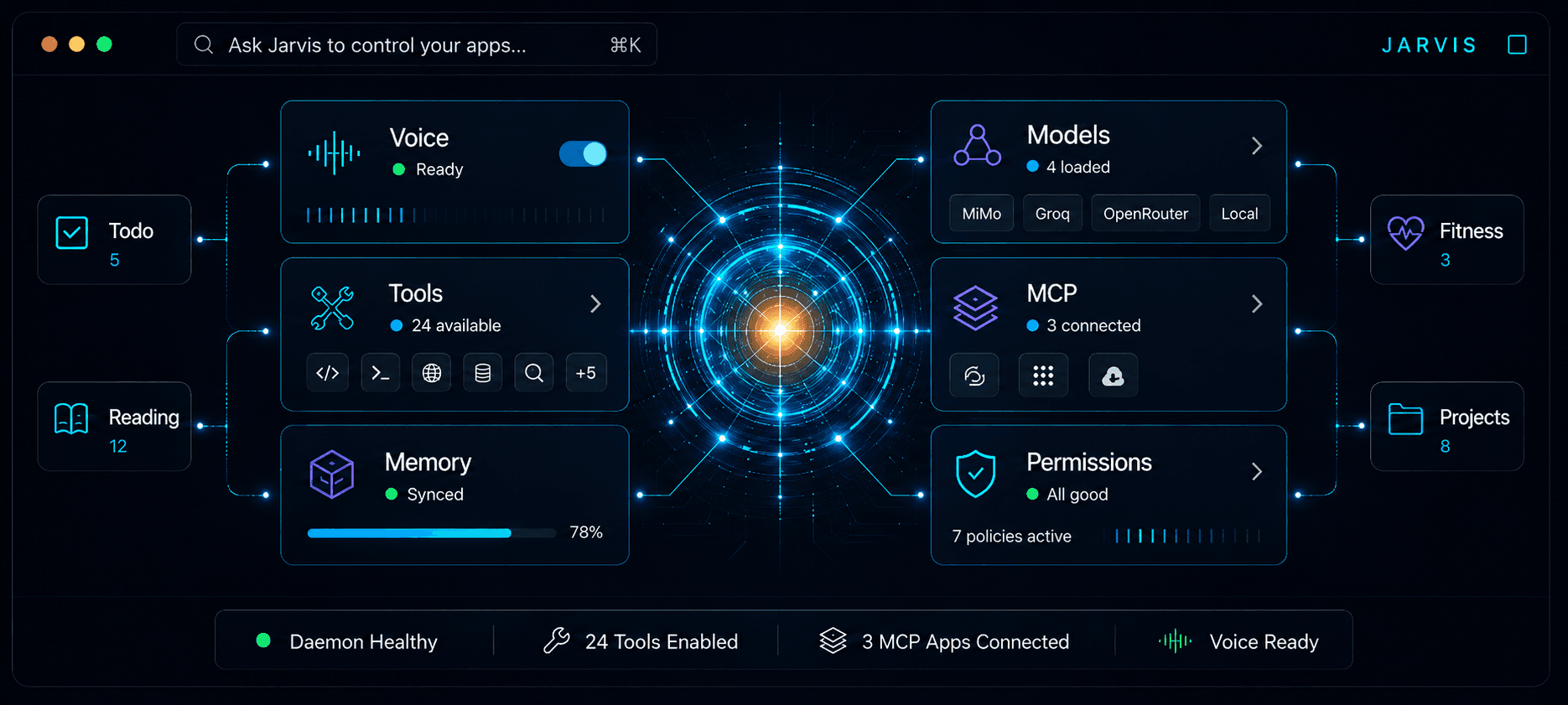
Current agent platforms are trapped in chat windows — they lack structured workspaces, permission boundaries, and the ability to deliver tasks from start to finish. CoreLayer fills the gap. It decomposes goals into executable TaskGraphs, connects your personal apps through MCP, and runs agents with explicit guardrails — not blind trust.
Every request passes through interpretation, planning, routing, and permission verification before execution.
Trigger Jarvis with your wake word to create a workspace for any goal.
The orchestrator breaks your goal into structured tasks with clear dependencies.
Runs task nodes concurrently using Claude Code, Codex, or custom executors.
Risky operations pause for your approval before they proceed.
Final results are separated from logs, noise, and approval prompts.
Six integrated systems that give you a local-first command layer with permission guards at every level.
Connect personal apps — fitness trackers, diet logs, calendars — through MCP to build your ambient control cockpit.
Resolve task dependencies automatically with standard lifecycles from draft to completion.
Intercept file writes, shell commands, and network calls with confirmation every time.
Desktop-native wake word, streaming TTS, and barge-in support for hands-free interaction.
Route prompts across MiMo, Groq, OpenRouter, and local models based on cost and capability.
Monitor task graph progress, configure MCP servers, and audit logs from a native UI.
CoreLayer treats tool execution as a permissioned system. Risky operations are classified, paused, approved, denied, and logged — nothing runs without your knowledge.
MCP Tool Call
filesystem.write("/documents/report.md")
Every tool call is visible. CoreLayer classifies operations by risk, pauses dangerous ones for approval, and records everything for audit.
Trigger your personal butler anytime with your wake word. The floating overlay responds instantly. Ask it to analyze your week, pull data from connected apps, or kick off a multi-step task — all by voice.

Start with the desktop app, then connect models, MCP servers, and local tools through the Control Center.
